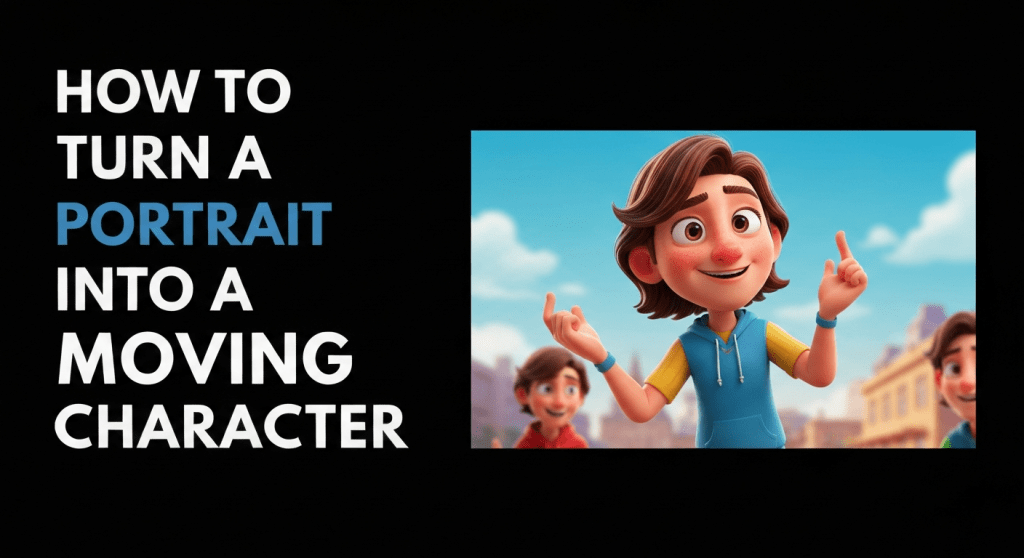
Turning a portrait into a moving character is a creative process that uses artificial intelligence to animate a still image. Instead of remaining static, a portrait can be transformed into a digital character that moves, speaks, and expresses emotions. AI portrait animation tools make this possible by analyzing facial features in an image and generating realistic movements such as blinking, lip synchronization, and head motion.
This technology has become popular among content creators, marketers, and educators who want to produce engaging videos without filming real people. Moving portrait characters are widely used in storytelling videos, social media content, faceless YouTube channels, and digital marketing campaigns. In this article, we will explore how portrait animation works, why creators use it, and how you can turn a portrait into a moving character using modern AI tools.
What Is a Moving Character From a Portrait?
A moving character from a portrait is an animated version of a still image that appears to move and speak. AI animation tools detect facial features such as eyes, lips, nose, and head structure, then apply motion and voice synchronization to create a lifelike video.
The process usually involves uploading a portrait image, adding a script or voice narration, and generating animation through artificial intelligence. The AI system automatically animates the face so that mouth movements match the voice, creating the effect that the character is speaking.
This technology is commonly used in video production because it allows creators to transform static photos into dynamic visual presenters.
Why Creators Turn Portraits Into Moving Characters
Animating portraits offers several advantages for creators who want to produce engaging video content.
Faceless content creation
Creators can produce videos without showing their real face on camera.
Engaging storytelling Moving characters make stories and explanations more visually appealing.
Faster video production AI animation tools remove the need for filming and editing live footage.
Social media content creation Animated portraits are commonly used in TikTok videos, Instagram Reels, and YouTube Shorts.
Unique digital avatars Creators can build personalized digital characters based on their own photos.
Because of these benefits, portrait animation technology is widely used in marketing videos, educational tutorials, and storytelling content.
Key Features to Look for in Portrait Animation Tools
When selecting a tool to turn a portrait into a moving character, it is important to consider several features.
Realistic facial animation
The avatar should display natural facial movements and expressions.
Lip synchronization The tool should accurately match mouth movements with voice narration.
Image-to-avatar conversion The platform should easily convert portrait images into animated characters.
Voice generation AI voice narration should sound natural and clear.
Customization options Users should be able to adjust gestures, backgrounds, and animation styles.
High-quality video export Videos should be exportable in high resolution for social media or YouTube.
Top AI Tools to Turn Portrait Into Moving Character
Several AI video generation platforms allow creators to animate portraits and generate speaking avatars.
Zoice
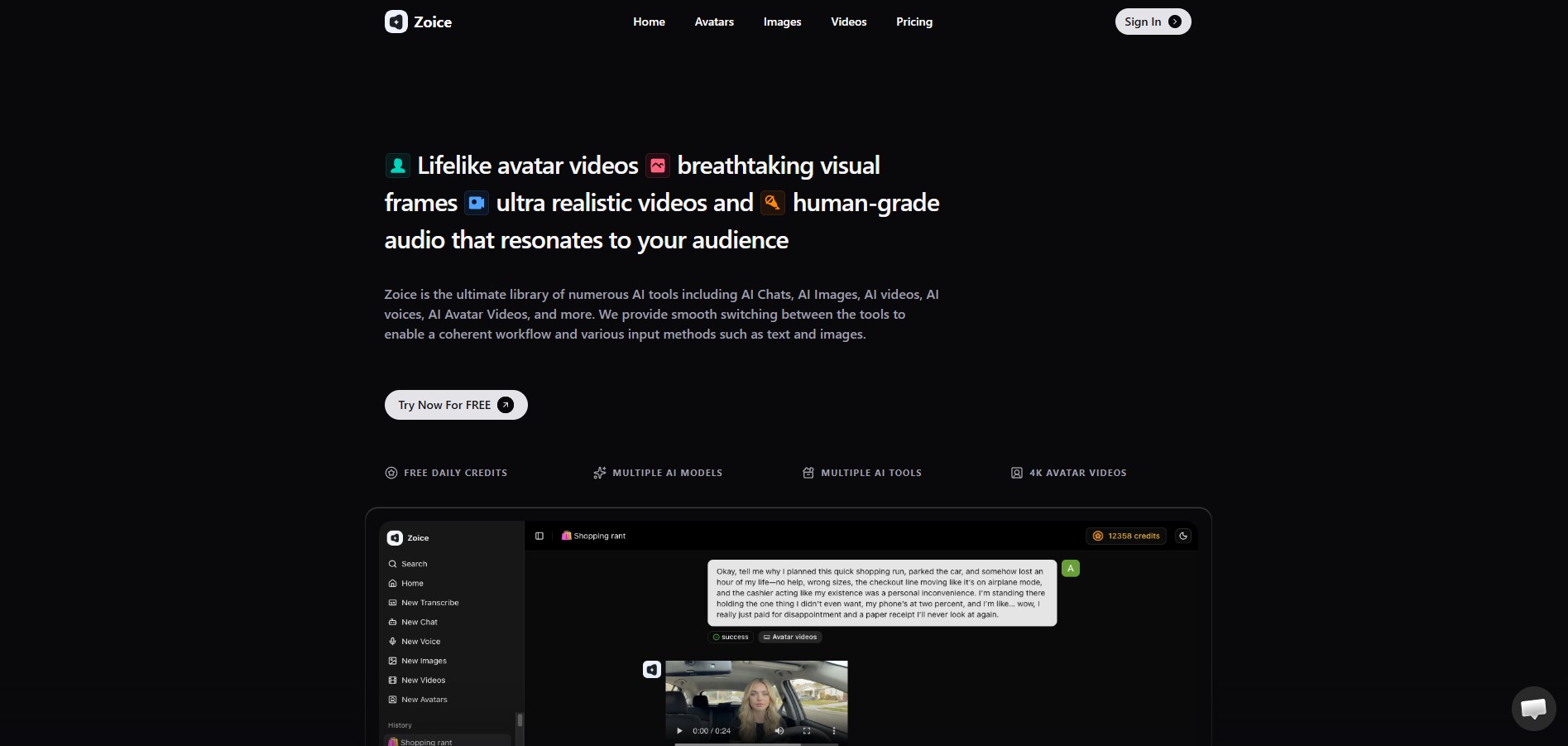
Zoice is an AI avatar video generation platform that helps creators, marketers, and businesses produce professional videos using digital presenters powered by artificial intelligence. Instead of recording videos with cameras or hiring presenters, users can simply write a script and generate a video where an AI avatar delivers the message with natural voice narration and synchronized facial movements.
The platform combines multiple AI technologies such as avatar animation, voice generation, and script-to-video automation . These features allow users to transform text, images, or prompts into complete video content without traditional production equipment.
Zoice is commonly used for marketing videos, explainer videos, social media content, training materials, and faceless YouTube videos. Because everything can be generated from a script, it allows creators to produce videos faster while maintaining consistent quality.
How Zoice Works
Zoice simplifies the video creation process by using AI to automate most of the production steps.
- Write or upload a script Users enter the text they want the avatar to present.
- Select or create an AI avatar The platform provides pre-built avatars or allows users to generate avatars from photos.
- Choose voice and language AI voice generation converts the script into spoken narration.
- Generate the video The AI synchronizes facial movements, lip movements, and voice narration to produce the final video.
This workflow allows users to generate professional videos in minutes instead of recording and editing traditional footage.
Features
Realistic AI Avatars
Zoice provides digital presenters that mimic natural facial expressions and head movements. These avatars help deliver messages clearly and professionally.
Image-to-Avatar Conversion
Users can upload a photo and turn it into a talking avatar. A single image can be used to generate multiple videos with the same digital character.
Advanced Lip Sync
The platform synchronizes voice narration with mouth movements so the avatar appears to speak naturally.
Voice Cloning and AI Voice Generation
Zoice allows users to generate natural voice narration or maintain consistent voice styles across multiple videos.
Multilingual Video Generation
Videos can be generated in multiple languages, making it possible to create content for global audiences.
High-Resolution Video Output
Zoice supports high-quality video generation and multiple resolutions such as 1080p for professional content creation.
Customizable Backgrounds and Scenes
Creators can adjust video backgrounds and visual environments to match their branding or presentation style.
Why Zoice Stands Out
One of Zoice’s strongest advantages is its movement and facial stability . AI avatars generated on the platform maintain consistent facial expressions, eye contact, and head movement across multiple videos, which improves realism.
This consistency is particularly important for creators who produce large volumes of content, such as faceless YouTube channels or marketing campaigns.
Another advantage is its flexible input system . Users can generate videos using text, images, or prompts, which gives creators multiple ways to create content quickly.
Common Use Cases
Zoice is widely used across different industries for video creation.
Faceless YouTube videos Creators generate videos where AI avatars present scripts.
Product explainer videos Businesses explain product features using digital presenters.
Social media content Creators produce TikTok videos, Instagram Reels, and marketing clips.
Corporate training videos Companies create onboarding and training content without filming instructors.
Marketing and advertising videos Brands generate promotional videos quickly for campaigns.
Zoice Pricing
Zoice offers several pricing plans depending on usage.
- Free Plan – $0/month (50 credits per day)
- Starter Plan – $7.99/month
- Basic Plan – $29.99/month
- Creator Plan – $49.99/month
- Agency Plan – $89.99/month
The free plan allows users to test the platform, while paid plans provide more credits and advanced features.
Who Should Use Zoice?
Zoice is ideal for:
- Content creators
- YouTube Channel owners
- Digital marketers
- Startups and SaaS companies
- Social media managers
Anyone who wants to create videos quickly without recording themselves can benefit from AI avatar platforms like Zoice.
HeyGen
HeyGen is an AI avatar generator that allows creators to produce videos with digital presenters. The platform supports avatar customization and script-to-video generation.
Creators can animate avatars and generate videos where the avatar presents information clearly. HeyGen is often used for social media content, product demonstrations, and educational videos.
D-ID
D-ID is widely known for its talking photo technology. The platform allows users to upload a photo and convert it into a talking avatar that delivers scripts.
The AI system animates the face and synchronizes lip movements with voice narration, making the image appear to speak naturally. This technology is commonly used for storytelling videos and personalized digital avatars.
Runway ML
Runway ML is an AI creative platform that provides several tools for video generation and animation. It allows users to apply AI-powered motion effects and generate animated video content.
Although it is primarily known for advanced video editing and generative AI tools, creators can use Runway to create animated characters from images.
Vidnoz AI
Vidnoz AI is another platform that allows users to animate portraits and create talking avatars. The platform provides simple script-to-video functionality and supports AI voice narration.
Users can upload a photo, add a script, and generate a video where the avatar presents the content. Vidnoz AI is commonly used for quick social media videos and marketing presentations.
Comparison of Portrait Animation Tools
| Tool | Best For | Key Feature |
| Zoice | Avatar video creation | Customizable AI avatars |
| HeyGen | Social media avatars | Script-to-video automation |
| D-ID | Photo animation | Talking photo technology |
| Runway ML | Creative AI animation | Advanced video tools |
| Vidnoz AI | Quick avatar generation | Image-to-video conversion |
Each platform offers different strengths depending on the type of content you want to create.
How to Turn a Portrait Into a Moving Character
Creating a moving character from a portrait usually involves several simple steps.
Step 1 – Choose an AI animation tool
Select a platform that supports portrait animation and voice synchronization.
Step 2 – Upload a portrait photo
The AI system analyzes the facial features in the image.
Step 3 – Add a script or voice narration
Enter the text that the animated character will speak.
Step 4 – Customize the animation
Adjust gestures, backgrounds, and visual styles.
Step 5 – Generate the video
Export the animated video and use it for social media or YouTube.
Use Cases for Moving Portrait Characters
Moving portrait avatars can be used for many types of content.
- Faceless YouTube channels
- Educational explainer videos
- Marketing and promotional videos
- Storytelling content
- Digital influencers or virtual presenters
These applications allow creators to produce engaging content without traditional filming.
Future Trends in AI Portrait Animation
AI portrait animation is evolving rapidly as artificial intelligence improves. Future tools may create even more realistic digital humans with advanced facial expressions and gestures.
Real-time animation may also become more common, allowing avatars to respond to users during live streams or interactive applications.
As AI technology advances, portrait animation may become a standard tool for content creation and digital communication.
Conclusion
AI portrait animation tools make it possible to turn static photos into moving characters that can speak and present information. This technology allows creators to produce engaging videos without filming themselves.
By using AI animation platforms, creators can generate digital presenters quickly and scale their content production. Moving portrait characters are becoming increasingly popular for social media videos, educational content, and faceless YouTube channels.
As the technology continues to improve, animated avatars may play a major role in future video content creation.
FAQs
What does turning a portrait into a moving character mean?
It means using AI animation tools to animate a still image and make it appear to move and speak.
Can I animate my own photo?
Yes, many AI tools allow users to upload photos and convert them into animated avatars.
Are animated avatars suitable for YouTube videos?
Yes, animated avatars are commonly used in faceless YouTube channels and educational videos.
Do portrait animation tools support voice narration?
Most AI portrait animation platforms support text-to-speech voice generation.
Is technical experience required to animate portraits?
Most AI animation tools are designed to be user-friendly and require no advanced technical skills.
 AIToolsHub
Leave a comment