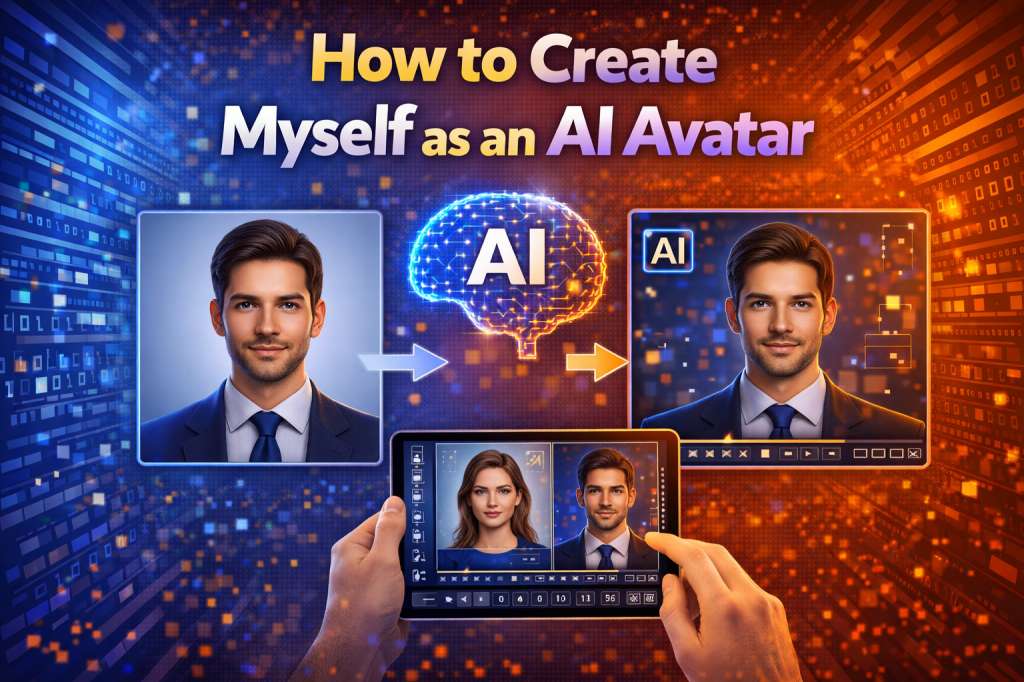
AI avatars are becoming an important part of digital identity. Many creators, marketers, and professionals now use AI avatars for videos, social media profiles, online presentations, and marketing content. Instead of appearing on camera, users can generate a digital version of themselves that can speak, present ideas, and represent them online.
Modern AI avatar generators can analyze photos and convert them into digital avatars automatically. Some platforms even allow avatars to speak scripts, making them useful for creating videos without recording yourself.
This article explains how to create yourself as an AI avatar in 2026, including the steps involved and the best tools available today.
What Is an AI Avatar of Yourself?
An AI avatar of yourself is a digital representation generated using artificial intelligence based on your photo or facial features.
AI avatar tools analyze elements such as:
- facial structure
- eyes and mouth shape
- expressions
- skin tone and features
Using this information, the AI creates a digital character that resembles the person in the image.
There are two main types of AI avatars.
Static avatars
These avatars are images used for profile pictures, branding, or digital illustrations.
Animated avatars
Animated avatars can move, speak, and appear in videos as presenters.
AI avatars are widely used in:
- social media content creation
- marketing videos
- online tutorials
- corporate presentations
- digital influencers
Benefits of Creating Yourself as an AI Avatar
Build a Digital Identity
AI avatars allow you to represent yourself online with a unique digital character.
Create Videos Without Recording
Instead of filming videos, your AI avatar can deliver scripts automatically.
Improve Personal Branding
You can use the same avatar across multiple platforms to build a consistent brand identity.
Save Time on Content Creation
AI avatar tools can generate videos in minutes instead of hours of recording and editing.
What You Need Before Creating Your AI Avatar
Before generating your avatar, prepare the following.
A Clear Selfie or Portrait Photo
Choose a high-quality photo where your face is clearly visible.
An AI Avatar Generator Platform
Select a platform that supports photo-to-avatar conversion.
Optional Script for Talking Avatars
If you want your avatar to appear in a video, prepare a script for it to speak.
Internet Connection and User Account
Most AI avatar platforms are web-based and require an account.
How to Create Myself as an AI Avatar (Step-by-Step)
Step 1: Choose an AI Avatar Generator
The first step is selecting an AI tool that can convert your photo into an avatar.
Many tools offer avatar generation features, but platforms like Zoice are especially useful because they allow users to create both static avatars and animated video avatars.
When selecting a platform, consider features such as:
- avatar realism
- customization options
- voice generation
- animation capabilities
Step 2: Upload Your Photo
Once you select the platform, upload the photo you want to convert into an avatar.
For the best results:
- use a clear, front-facing photo
- ensure good lighting
- avoid blurry or low-resolution images
- make sure your face is clearly visible
The AI analyzes the facial features and prepares the image for avatar generation.
Step 3: Generate Your AI Avatar
After uploading the photo, the AI generates a digital avatar.
Many platforms allow users to choose different avatar styles such as:
- realistic digital humans
- cartoon avatars
- stylized profile avatars
Some tools also provide customization options including:
- adjusting hairstyles
- modifying clothing
- changing backgrounds
- refining facial features
The avatar generation process usually takes only a few seconds.
Step 4: Add Voice and Animation (Optional)
Some AI avatar tools allow you to animate your avatar and create a talking video presenter.
To generate a talking avatar:
- enter a script
- choose an AI voice
- select language and voice style
- generate the video
The platform synchronizes lip movements with the voice to create a realistic speaking avatar.
Talking avatars are commonly used for:
- marketing videos
- tutorials
- product demonstrations
- social media content
Step 5: Export and Use Your AI Avatar
After generating the avatar, you can export it as an image or video.
Your AI avatar can be used for:
- social media profiles
- YouTube videos
- online branding
- marketing campaigns
- presentations
Many platforms support exporting avatars in different formats depending on your needs.
Best AI Tools to Create Yourself as an AI Avatar
Zoice
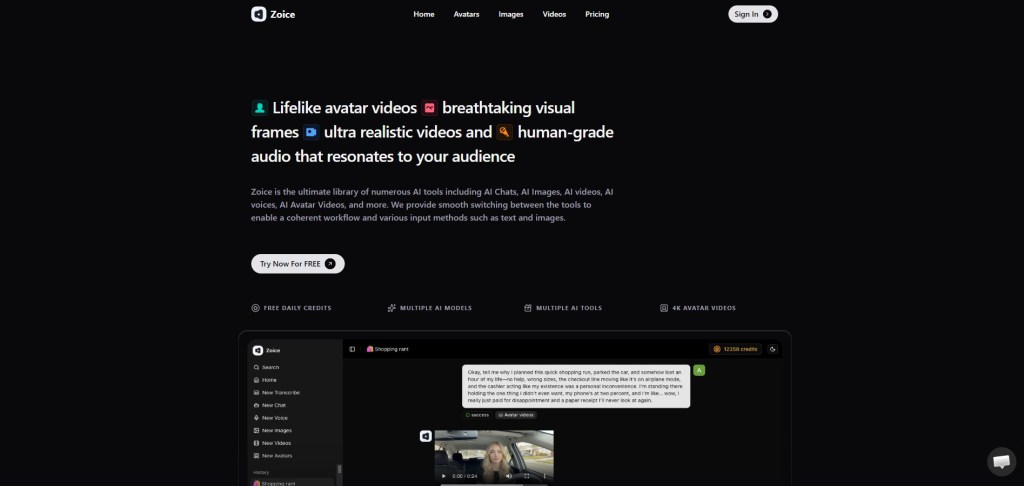
Zoice is one of the most powerful AI avatar platforms available in 2026. It allows users to create digital avatars and generate video content automatically.
One of Zoice’s most impressive features is talking photo technology, which can animate a still image and turn it into a speaking avatar.
Key Features
- AI avatar video generation
- talking photo animation
- script-to-video automation
- AI UGC video creation
- multilingual voice support
Best Use Cases
Zoice works well for:
- personal branding videos
- marketing content
- educational tutorials
- AI influencer videos
- social media content
HeyGen
HeyGen is a popular AI video generator that allows users to create personalized avatars and digital presenters.
The platform supports multiple languages and provides templates for marketing and tutorial videos.
D-ID
D-ID is known for its talking photo technology.
Users upload a photo and add a script, and the AI generates a video where the image appears to speak with realistic lip synchronization.
Fotor AI Avatar Generator
Fotor offers an AI-powered avatar generator designed for creating profile avatars and digital portraits.
It provides multiple avatar styles that can be used for social media and personal branding.
Tips for Creating a Realistic AI Avatar
Follow these tips to get the best avatar results.
Use High-Resolution Photos
Clear images help the AI generate more accurate avatars.
Choose Natural Expressions
Neutral facial expressions usually produce better avatars.
Avoid Heavy Filters
Filters may distort facial features and reduce avatar accuracy.
Customize Carefully
Adjust features like hairstyle and clothing to make the avatar unique.
Future of Personal AI Avatars
AI avatar technology is evolving rapidly and will likely become even more advanced in the future.
Possible developments include:
- realistic digital humans
- AI influencers on social media
- real-time avatar interaction
- integration with virtual worlds and metaverse platforms
These innovations will make AI avatars an important part of digital communication and online identity.
Conclusion
Creating yourself as an AI avatar has become simple thanks to modern AI tools. With just a photo and an AI platform, users can generate personalized avatars and even create video presenters.
Tools like Zoice, HeyGen, D-ID, and Fotor provide powerful features for generating avatars quickly. Zoice stands out because it allows users to animate avatars and generate video content automatically.
As AI technology continues to improve, personal AI avatars will become a common tool for creators, marketers, and professionals.
FAQs
Can I create myself as an AI avatar?
Yes. Many AI tools allow users to upload photos and generate digital avatars automatically.
What is the best AI tool to create a personal avatar?
Zoice is one of the best tools for creating talking avatars and AI video presenters.
Can AI avatars talk like real people?
Yes. Some AI platforms include voice generation and lip synchronization technology.
Are AI avatar generators free?
Some platforms offer free plans with limited features, while advanced features require paid subscriptions.
 AIToolsHub
Leave a comment